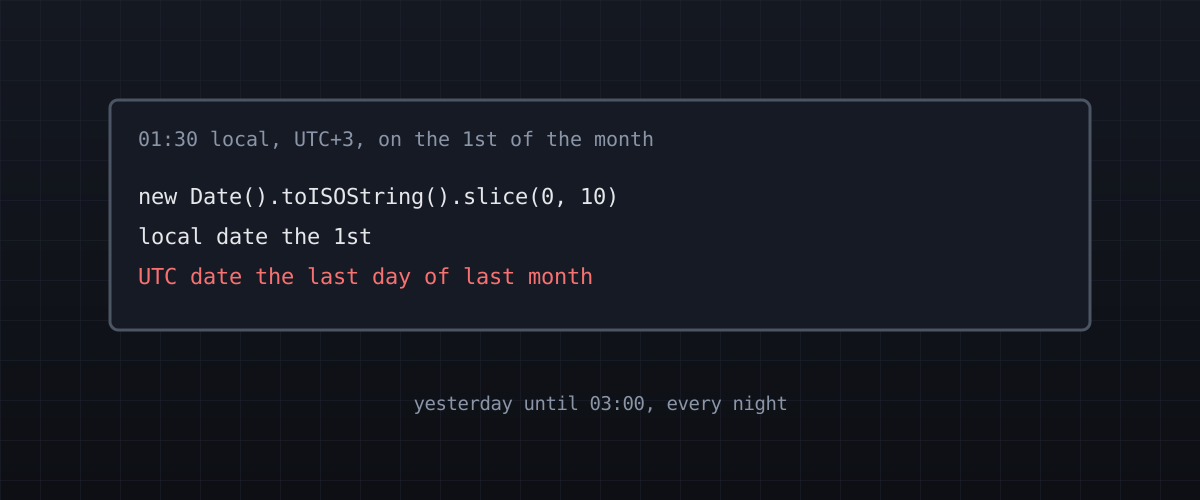
A one-line date bug that only existed between midnight and 03:00, in an app whose heaviest users work nights. Then my fix for it turned out to be wrong in two of the three places I applied it.
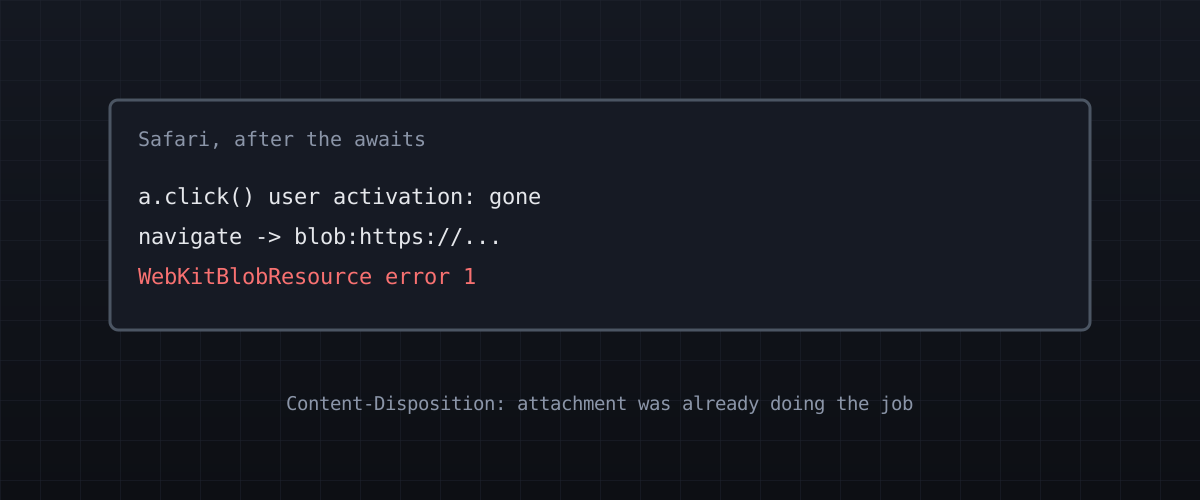
A download button in an app I maintain failed on a Mac with WebKitBlobResource error 1. The fix was to delete code: the server had been able to do the job by itself all along.
The scan half of my HP OfficeJet had never worked from this machine, and I'd filed that under driver problems. No driver was needed. There was no scanner software installed at all, and the real mistakes started after I installed some.
My 144 Hz panel ran at 60 from the day the machine was built, and again after a graphics card swap. Different cause each time, and nothing reported a problem.
Ubuntu, Zorin, CachyOS, and now Omarchy. Why the hopping stopped: keyboard-first everything, apps that earn their keep, and a distro built to be made yours.
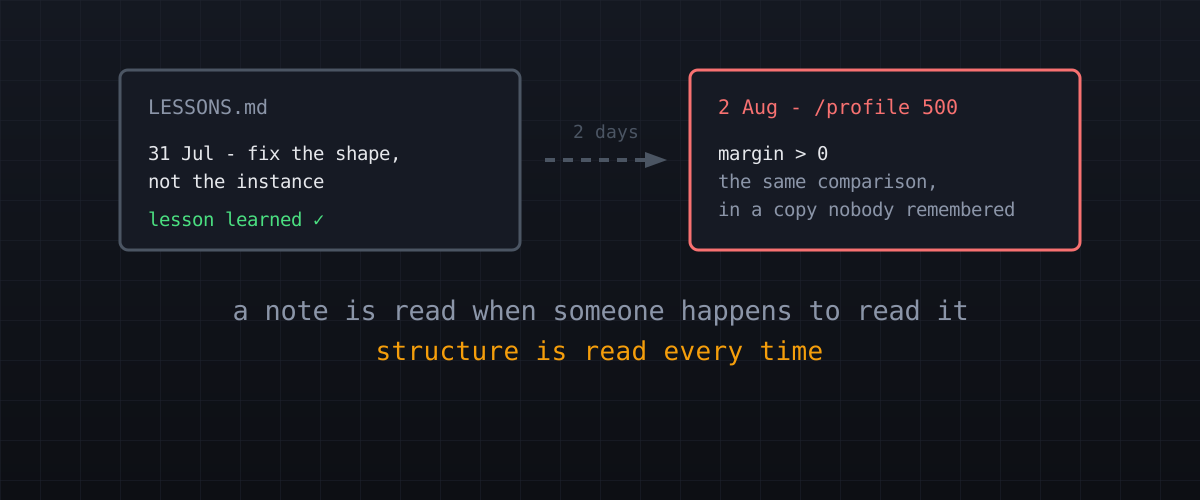
My project keeps a lessons-learned file. Going back through my notes, I found the same pattern five times: the lesson gets written down, and the repeat comes anyway.
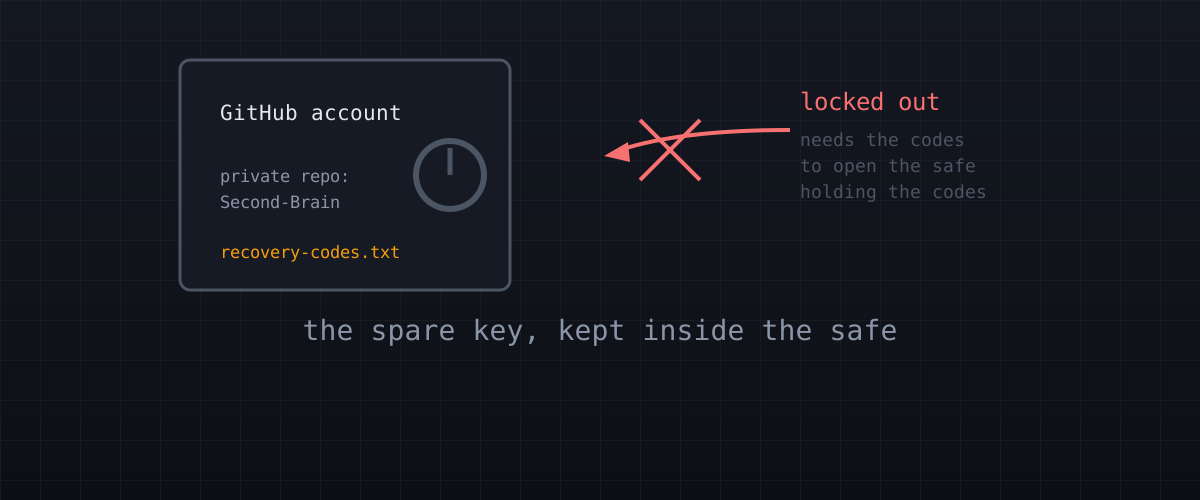
I found my GitHub recovery codes in my notes vault - the vault that syncs to GitHub. Six months in git history, two copies. What I did about it, and the question I should have asked first.
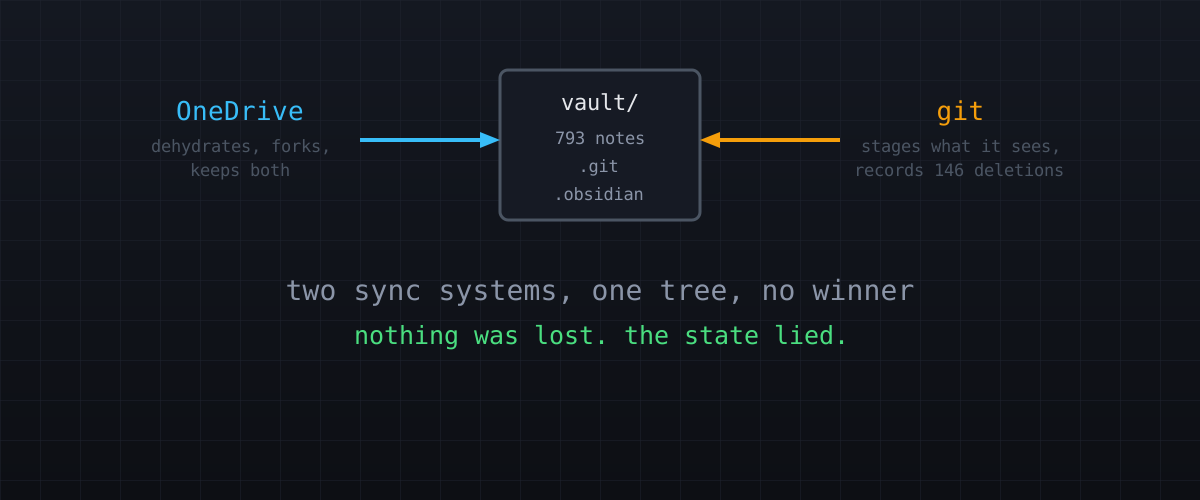
My notes vault appeared to delete itself, git recorded 146 deletions that never happened, and OneDrive forked 120 conflict copies. Nothing was lost, and the warning was in the manual all along.
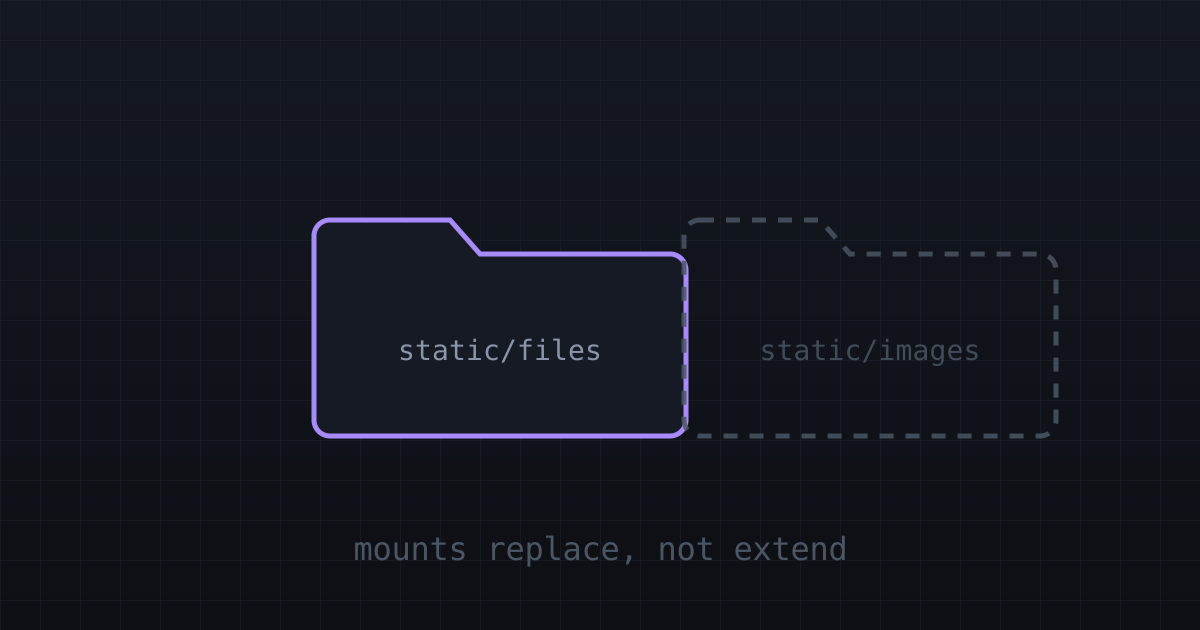
Every deploy was green, every page worked, and one file returned 404 in production. The cause was a Hugo module mount behaviour that is documented but easy to miss.
How I organise everything: one numbering system across my whole file tree, and a separate note system for ideas. The trick is knowing which job belongs to which.
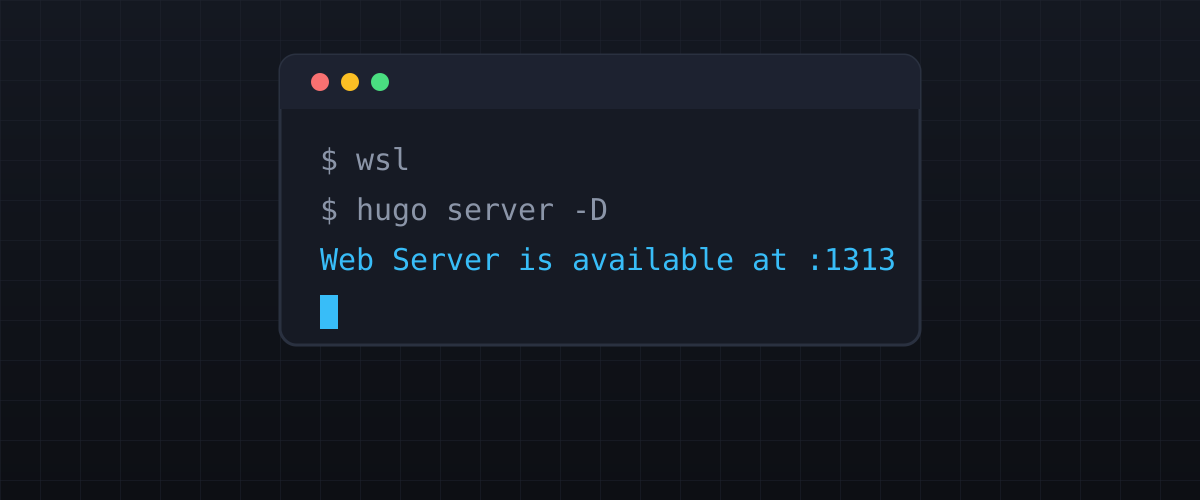
A short guide to getting Hugo running on Windows Subsystem for Linux, and why you want the extended build.