
Wilhelm Maritz
Saturday, September 19, 2026 | 3minutes
Homepage kept showing My First Group
The Homepage dashboard on my ZimaBoard had never been set up. It was still running the example config it ships with: three groups called “My First Group”, “My Second Group” and “My Third Group”, each with one placeholder service pointed at http://localhost/.
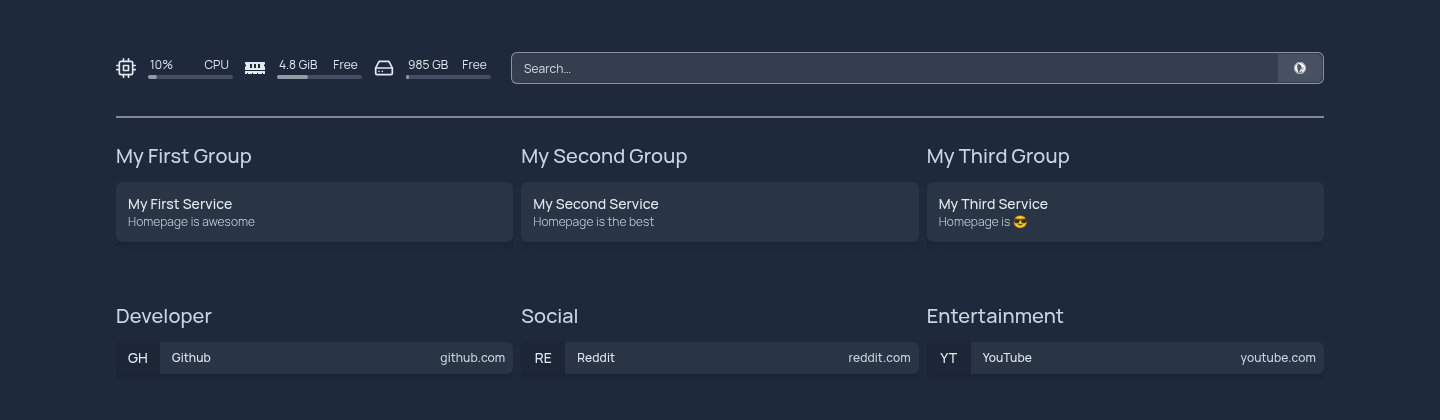
I wrote five YAML files to replace the examples, got them onto the board, and checked the page source. It still said “My First Group”.
Not a cache
I first put it down to a stale page cache. It survived a full container recreate later that evening, so it isn’t a cache at all.
The example config is baked into the Docker image at build time, as the fallback data for the server-rendered page. The raw HTML will always show “My First Group”. The browser replaces it on hydration, which is why the rendered page had been right all along while curl and view-source kept telling me the deploy had failed.
The check that works asks the API and not the HTML:
curl -s http://<board>:3000/api/services | python3 -m json.tool | head
The other way a deploy looks like nothing
Homepage ignores a config file it cannot parse and quietly carries on with the old one. So a YAML typo looks exactly like a deploy that did nothing, which is the same symptom as the one above with a completely different cause.
My deploy script now validates every file before it opens a connection to the board:
import glob, os, sys, yaml

bad = False
for path in sorted(glob.glob(os.path.join(sys.argv[1], "*.yaml"))):
    name = os.path.basename(path)
    try:
        yaml.safe_load(open(path))
        print(f"  ok  {name}")
    except yaml.YAMLError as error:
        print(f"  BAD {name}: {error}", file=sys.stderr)
        bad = True
sys.exit(1 if bad else 0)
I tested that path on purpose with a deliberately broken services.yaml: exit 1, and no SSH connection opened.
Getting files onto ZimaOS
This was harder than writing them. scp straight into the config directory fails because it is root-owned. ~ on ZimaOS is /DATA, not a home directory under /home, so every ~/... path I assumed was wrong. And /DATA itself isn’t writable over SFTP by that account, even though it is the home directory. What works is scp into /tmp and a sudo cp from there.
The part worth copying
The app already had the Docker socket mounted, so keying each service to its container name gives live up or down state, plus CPU and memory per container, with no API keys at all:
- Immich:
    href: http://<board>:2283/
    description: Photo and video library
    icon: immich.png
    server: my-docker
    container: immich-server
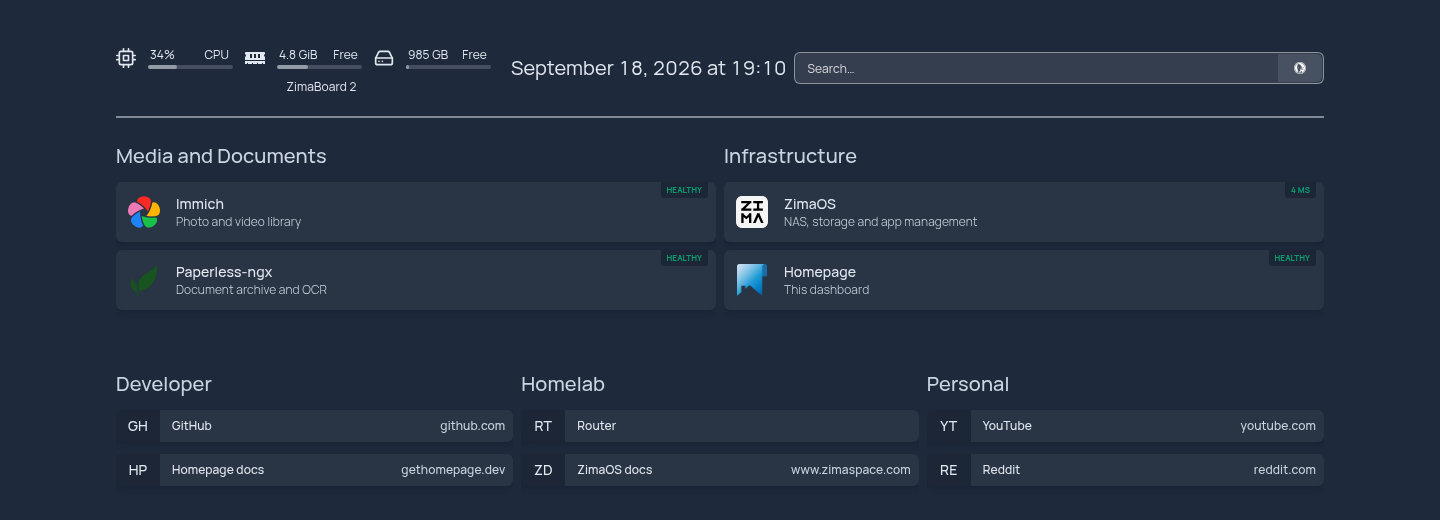
If you change Homepage’s config and the page source doesn’t move, don’t start clearing caches. Ask /api/services what it thinks, and validate your YAML before you blame the deploy.