
Wilhelm Maritz
Monday, August 24, 2026 | 4 min read
Where the distro hopping stopped
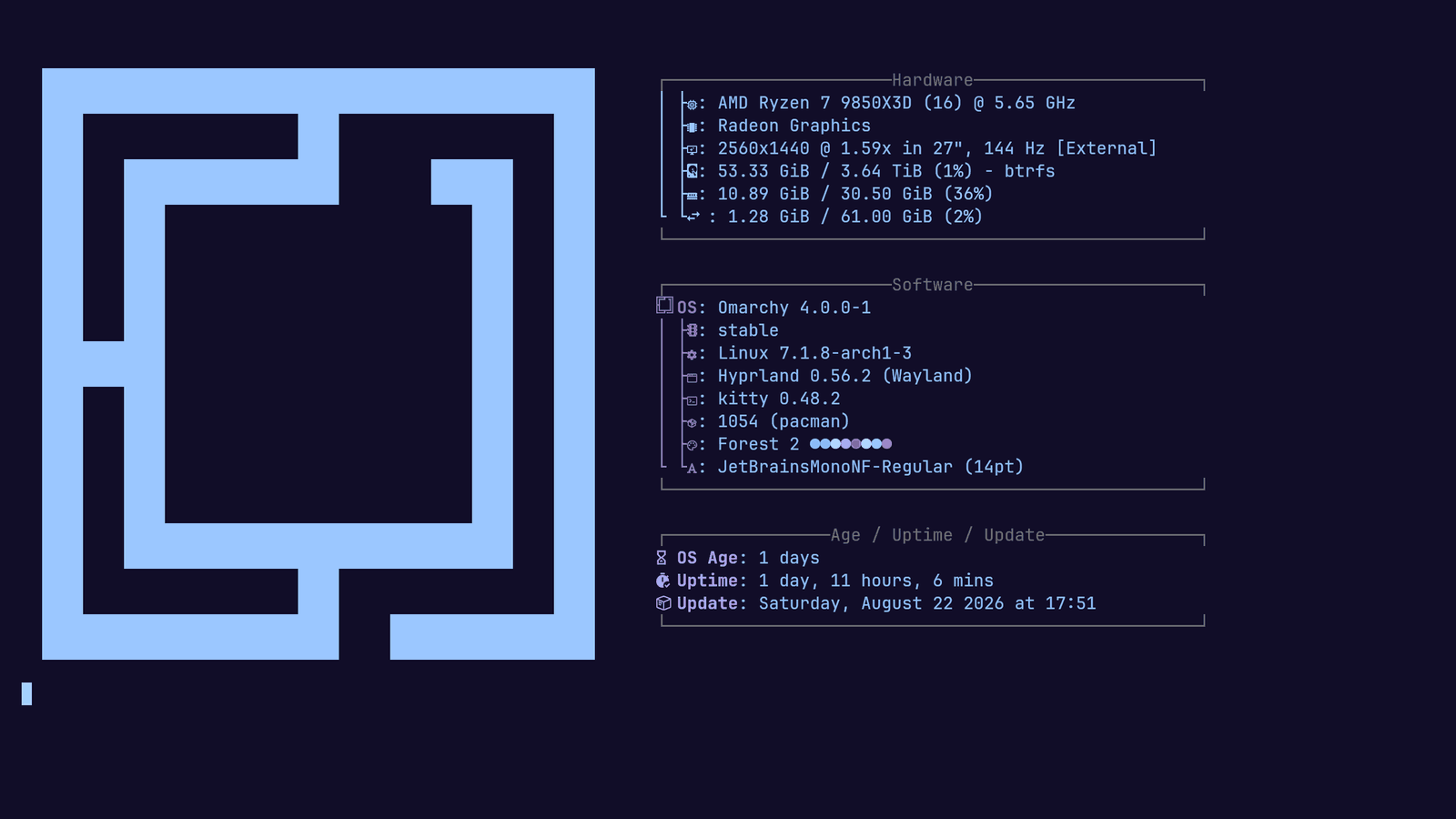
I’ve been distro hopping for a while now. Ubuntu first, because that’s where everyone starts. Zorin when I wanted it to look nicer. CachyOS when I wanted it to go faster. And now Omarchy. Two days in - the fastfetch below still shows an OS age you can count on one finger - and I’m calling it early: this is where the hopping stops.
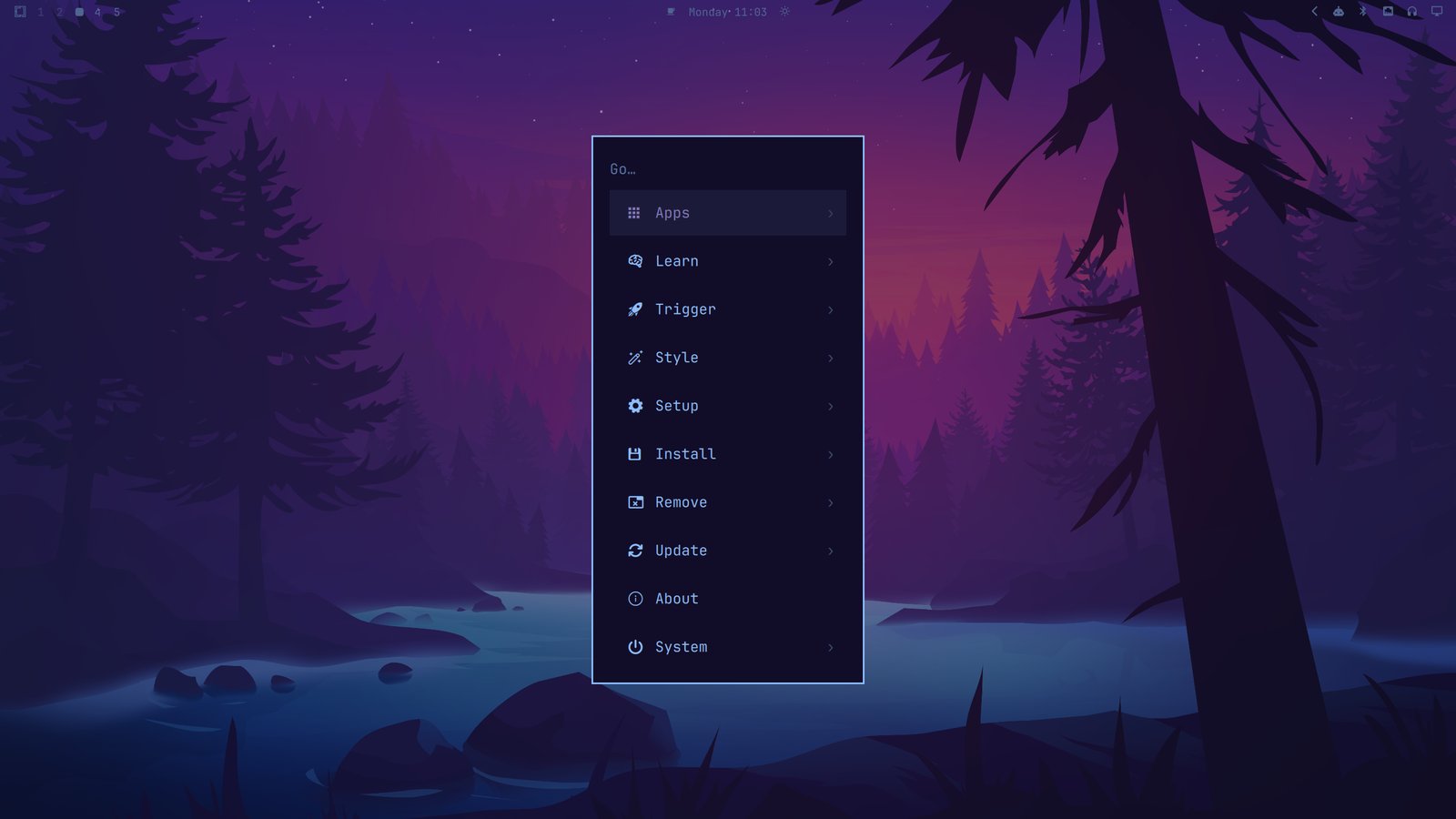 Wallpaper: Solace by thaomaoh
Keyboard-first is the whole game
Every distro I’ve used sold itself on something. Omarchy’s pitch is that your hands never leave the keyboard, and it took about a day of living with that for the other pitches to stop mattering. Window management, app launching, theme switching, screenshots, the works - it’s all a keybinding or a two-word command away. Reaching for the mouse starts to feel like getting up to change the channel.
The omarchy command is the front door to all of it, and it’s a big door:
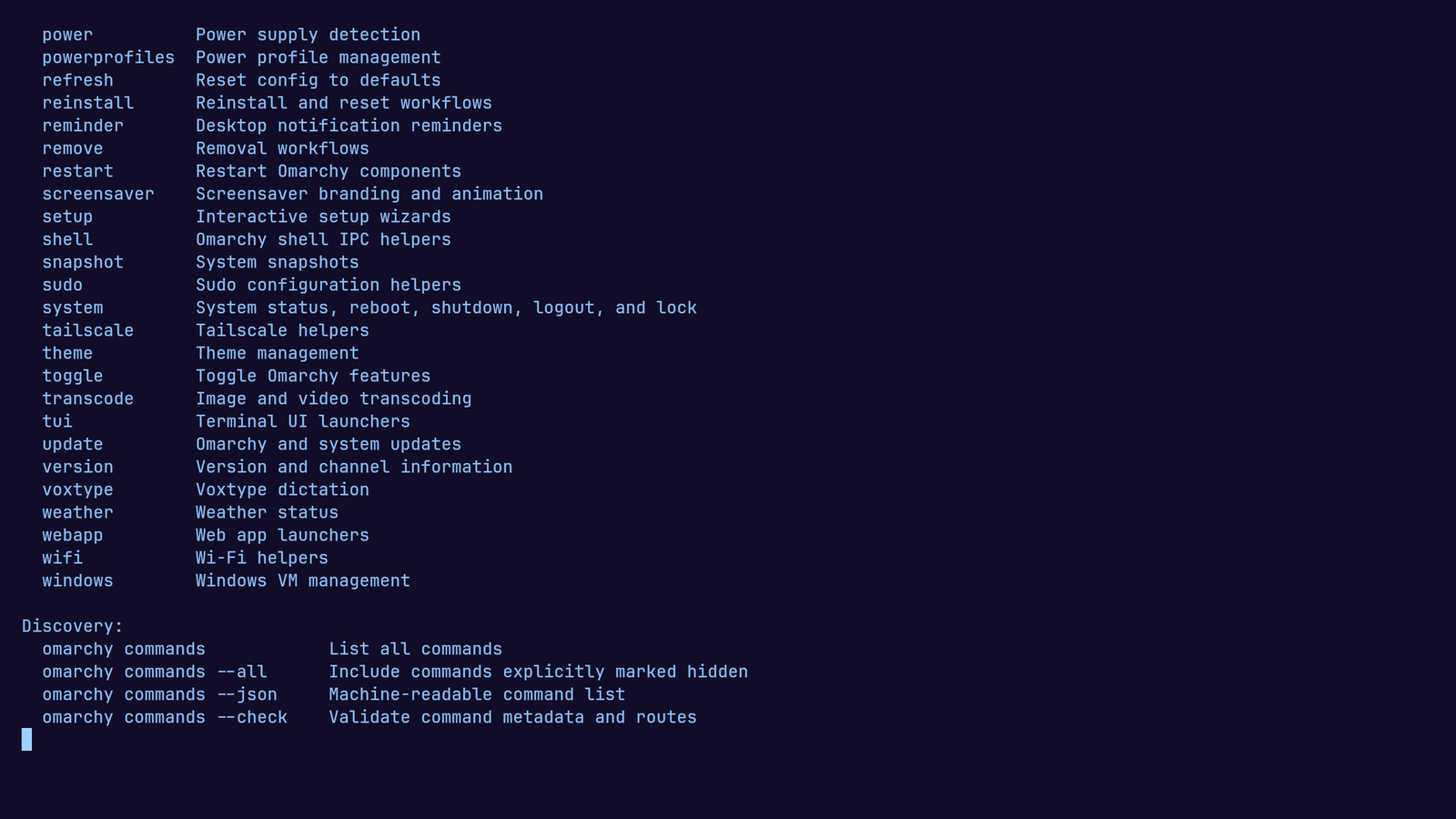
That’s one screen of it. Power profiles, system snapshots, Tailscale, dictation, weather, web app launchers, a Windows VM manager. One consistent command surface over the whole machine.
The “bloat” argument gets it backwards
The common knock on Omarchy is that it ships too much. A password manager, a note tool, dictation, a screen recorder, half a dozen terminal utilities you didn’t ask for.
I find it’s everything I need plus a few things I wouldn’t have gone looking for - and that second category is where the value hides. I’d never have installed a dictation tool. It was just there, so I tried it, and it’s already earning a place in how I work. Bloat, to me, is software that costs you something and gives nothing back, and this is the opposite: opinionated defaults from someone who actually uses the machine daily, which is why they fit together instead of piling up.
That’s the DHH effect - Omarchy is his project - and you can feel it all over the system. The opinions are load-bearing. Even the theme system - which on most rices is a weekend of dotfile archaeology - is a picker:
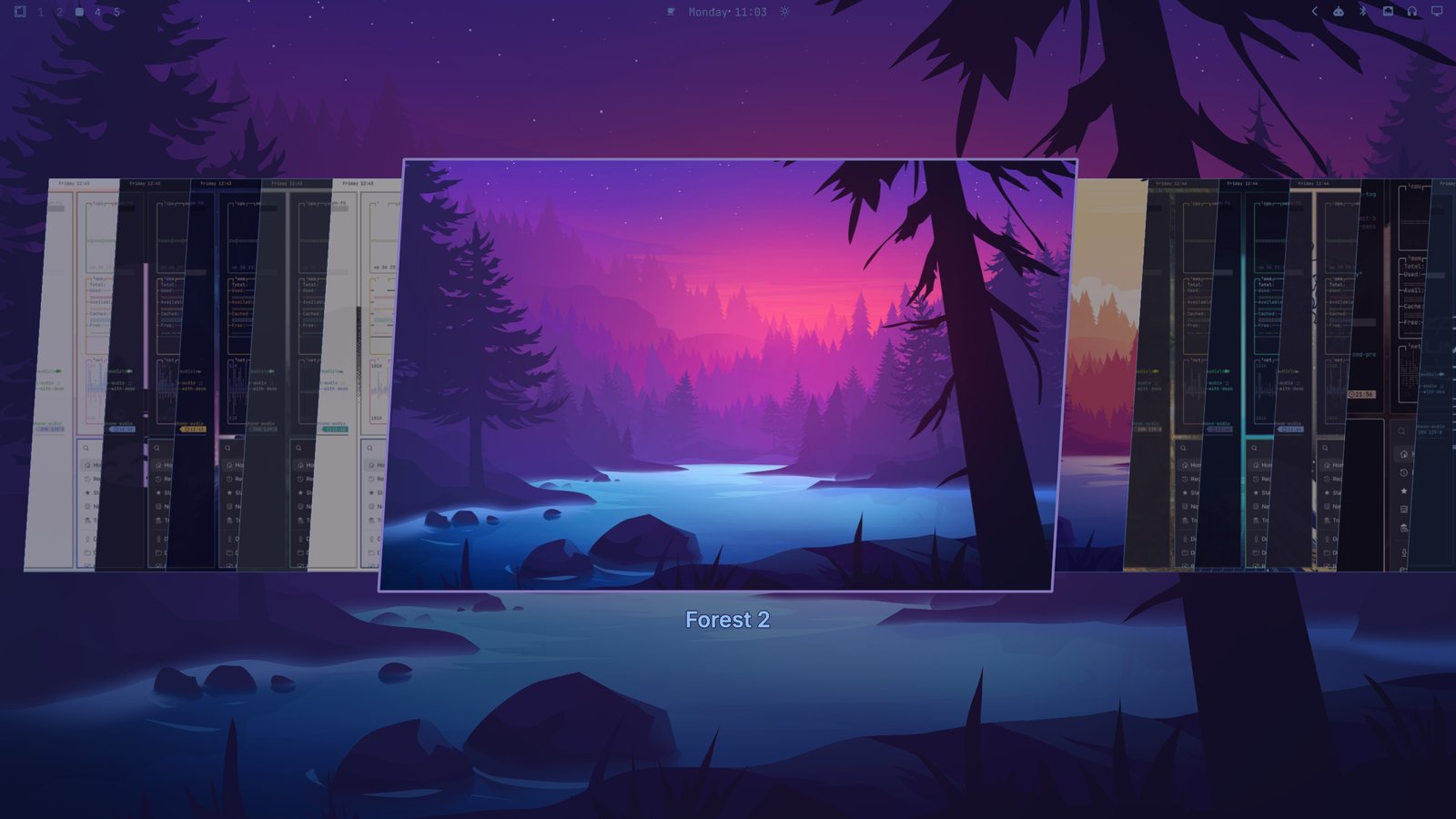
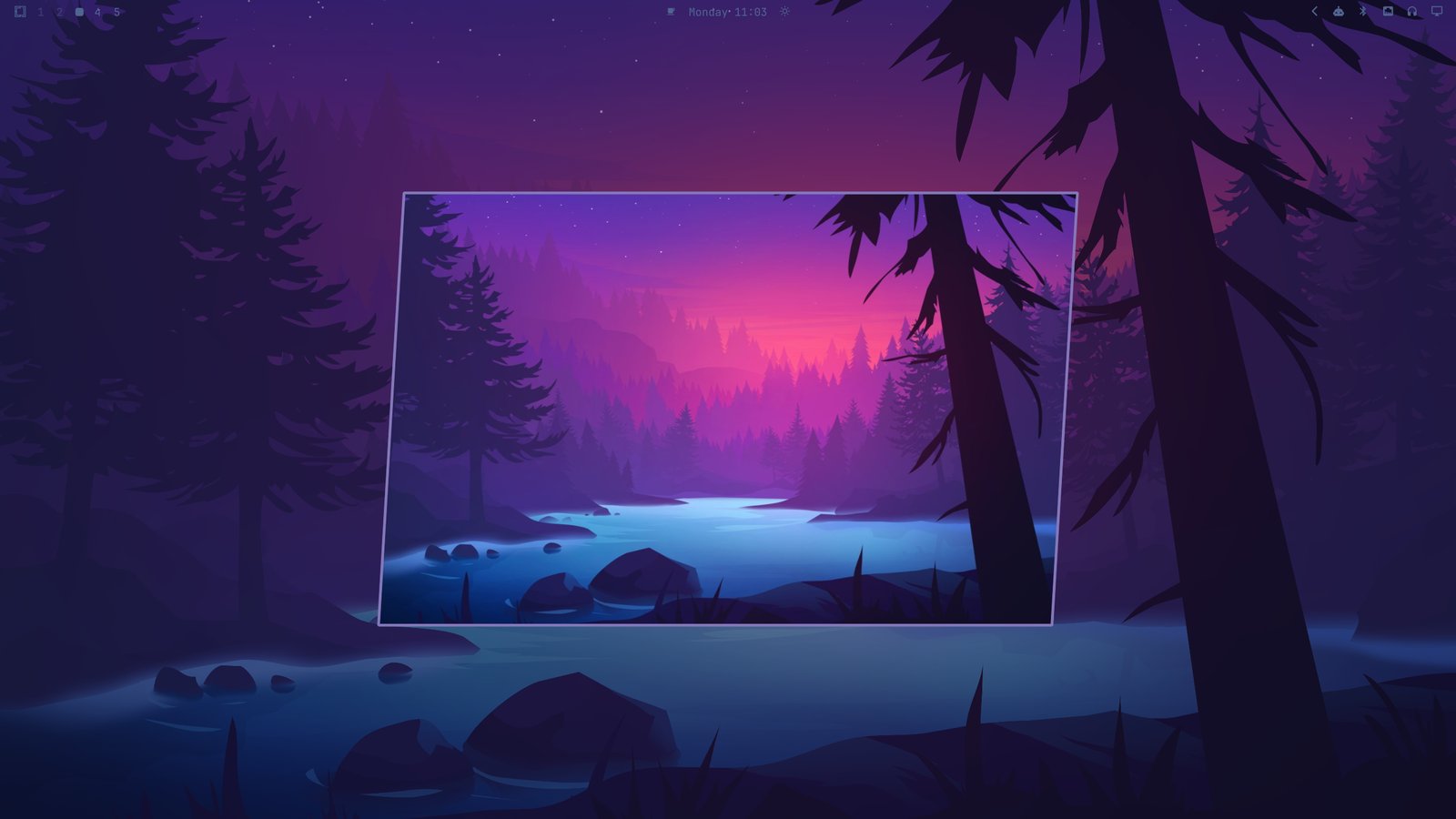
One command sets a theme across the terminal, the bar, the editor, the lot. That’s a whole rice for the cost of a keypress - and if that offends the people who think a rice only counts when you’ve suffered for it, it was never their machine to grade.
An AI-first Linux, whether it says so or not
Here’s the bigger thought, and the reason I think this setup ages well.
The way I use software has changed. If I need a tool now, my first instinct isn’t to go find one - it’s to build one that fits my exact case, using AI to accelerate the unfamiliar parts and strip out most of the boilerplate. Missing a feature? Vibe code it. It doesn’t need to score well in someone else’s review. It solves your problem on your machine, and that’s the entire success criterion.
Omarchy is the first distro I’ve used that feels built for that loop. The parts of the system I actually want to change are exposed as readable config in ~/.config, so there’s nothing there a coding agent can’t read and edit. The window manager is configured in Lua - Hyprland’s new config format, actual code rather than an ini dialect. The omarchy CLI even exposes machine-readable JSON output, so scripts and agents can interrogate it directly. The whole system is set up on the assumption that you’ll script it.
Linux was always meant to be made into what you want - that was the whole point, long before it was easy. What’s changed is that “make it yourself” used to mean weeks of reading other people’s dotfiles, and now it means describing what you want and reviewing what comes back. A distro with clean text configs, a scriptable command surface, and opinions strong enough to give you a coherent starting point is exactly the right base for working that way.
What bit me
It’s not perfect, and two things bit me early. The Lua config means the classic hyprctl keyword try-it-live loop is gone - experiments now go through the config file and a reload, or through hyprctl eval speaking Lua. And mode = "preferred" in the monitor config trusted my panel’s EDID, which nominated 60 Hz on a 144 Hz display; that one sat there until I went looking, and it gets its own post.
Neither moved me an inch. And sure - every distro feels permanent on day two, which is exactly what I’d have said about the previous three. The difference is that four distros in, the question I ask has changed. It used to be “what does this distro give me?” Now it’s “how fast can I make this machine mine?” Omarchy answers that better than anything I’ve run - so this is where I stop.